
A buyer-focused guide to 10W laser engravers. Learn what a 10W head really changes compared with 5W, where the ceiling is reached, and how to test and select the right machine.
Why the 10W Class Exists
A 5W diode head and a 10W diode head look similar on a spec sheet. Both are 455nm blue diode modules. Both engrave wood, leather and coated surfaces. The difference shows up when you push the machine: how fast you can move without losing contrast, how deep a single pass cuts, and how many passes you need before a job becomes impractical.
If you are comparing machines in the 10W class, you are really asking a narrower question: does the extra power buy me something I will actually use, or am I paying for headroom I never touch? The answer depends on your material mix, your production rhythm, and whether you need to handle bare metal.
Key Takeaways
- A 10W head increases engraving speed and light cutting depth versus a 5W head, but it does not turn a diode machine into a CO2 cutter.
- On wood, leather and coated surfaces, the practical ceiling is reached when increased power starts burning edges or when depth per pass stops improving.
- Adding a 1064nm head to a 10W blue-diode machine unlocks bare-metal marking that no 455nm head can perform.
- Working area and control options often separate two otherwise identical 10W machines more than the laser power itself.
What a 10W Head Actually Changes vs 5W
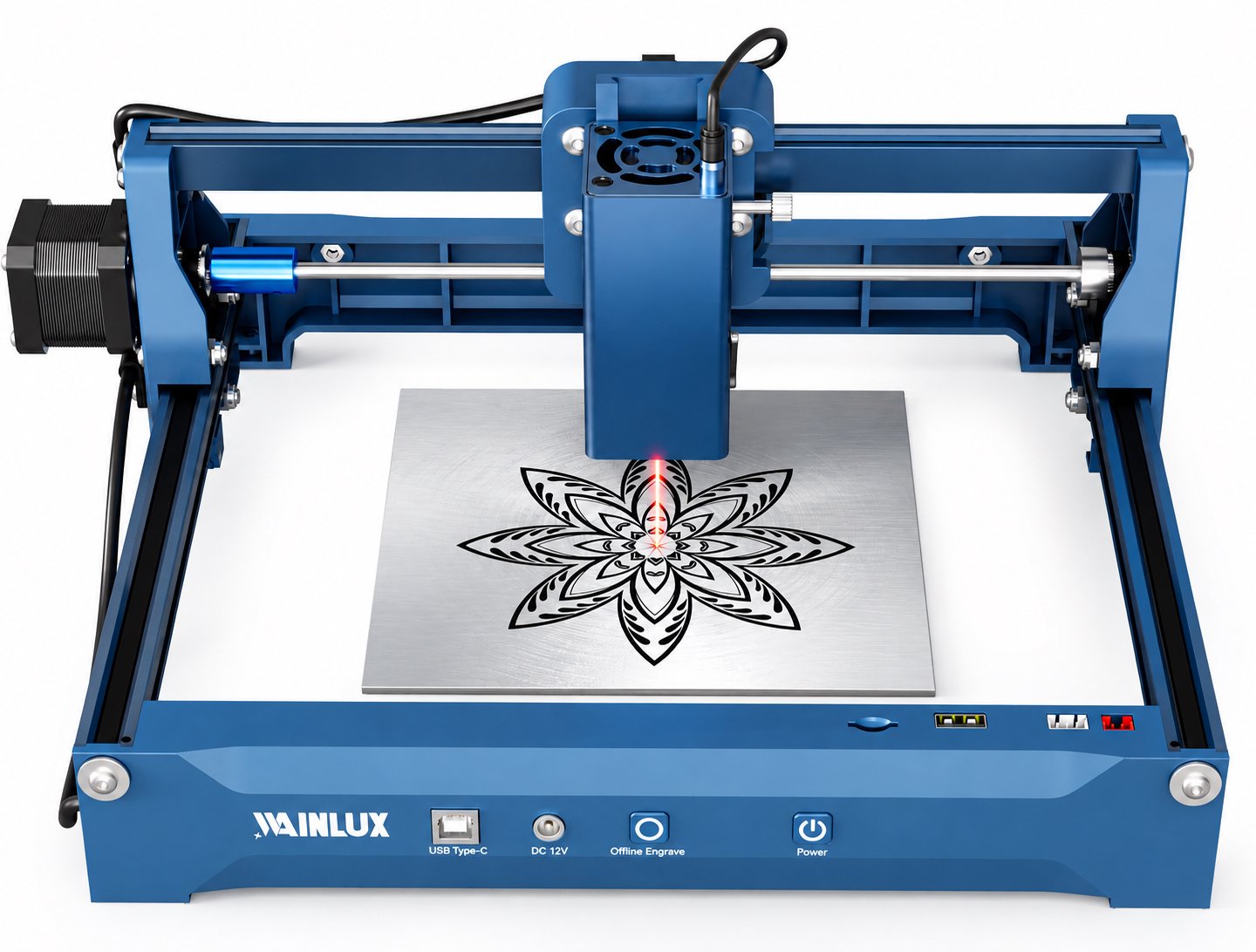
The 455nm wavelength is absorbed well by organic materials and dark or coated surfaces. At 5W, you can engrave these materials, but you feel the limits quickly. A 5W head like the one in the WAINLUX K10-5W cuts 3–5 mm plywood, which is enough for thin crafts but not for anything structural.
A 10W head gives you roughly double the optical power. In practice, that means you can:
- Run faster at the same contrast on wood and leather, reducing job time.
- Cut the same 3–5 mm plywood in fewer passes or at higher speed.
- Engrave darker, more uniform marks on coated surfaces without slowing to a crawl.
- Handle slightly thicker light-cutting tasks, though still within the diode category.
The key point is not that 10W cuts through everything. It does not. The key point is that 10W removes the constant speed-versus-quality trade-off you fight with 5W. If your work involves repeated engraving on the same material, the time saved per job is where the 10W investment pays back.
Where the 10W Ceiling Shows Up
Every laser class has a ceiling. On a 10W diode head, you reach it when:
- You need to cut 5 mm or thicker hardwood in a single pass.
- You are engraving large solid-black areas, and the edges start charring before you reach full depth.
- You want to mark bare stainless steel, aluminum or brass. A 455nm head will not do this.
- You need to cut clear acrylic or light-colored glass, where blue diode absorption is poor.
If your work sits inside those limits, a 10W machine is a good fit. If it sits outside them, no amount of tweaking will fix it. That is when you look at a higher-power or dual-laser option.
Wood, Leather and Coated Surfaces: Practical Tests
Material breadth is the main reason buyers choose a 10W machine. Wood, leather and coated surfaces are the three material groups where a 455nm 10W head performs consistently. But "performs" covers a wide range. Use these checks when you receive a machine or evaluate a sample.
- Engrave a grayscale test strip on the target wood. Look for clean dark-to-light transitions. If the dark end is muddy or the light end disappears, adjust speed and power before judging the machine.
- Run the same design at 5W-equivalent power and full 10W power. Compare edge sharpness and burn marks. The 10W result should be faster, but it should not be visibly dirtier. If it is, your speed is too low.
- Test leather with a vector cut and a raster engrave. Leather chars easily. A 10W head can engrave fine detail, but you need higher speed and lower power than wood to avoid a burnt smell and brittle edges.
- Check coated surfaces for consistency. Anodized aluminum and coated metals respond to the 455nm beam by removing or altering the coating. Look for uniform contrast across the whole bed, not just the center.
- Measure the working area against your actual parts. A 10 x 10 cm area is fine for small tags and jewelry. A 30 x 30 cm area changes what you can batch in one run.
Tip: Before you buy, send the supplier a sample of your material and ask for a test engraving at the production speed you plan to use. A machine that looks good at slow speed may not hold quality at the speed that makes the job profitable.
Light Cutting: What 10W Can and Cannot Do
Light cutting is where buyers most often overestimate a 10W machine. A 10W diode can cut thin plywood, basswood, leather, felt and some paper products. It can cut 3–5 mm plywood, which is the same range as a 5W head, but at higher speed or with fewer passes.
What it cannot do is replace a CO2 laser for production cutting of acrylic, thick hardwood or MDF. Blue diode light scatters in clear materials and does not couple efficiently into thick dense stock. If your business plan depends on cutting 10 mm acrylic all day, a 10W diode is the wrong tool, regardless of brand.
The practical rule: use a 10W head for engraving first and light cutting second. If cutting is more than half your workload, look at the material thickness you actually run and confirm it against the machine's documented cutting range before ordering.
The 1064nm Question: When a Second Head Matters
Bare metal marking is the one job a 455nm head cannot do. Stainless steel, aluminum, brass and some coated metals reflect or absorb blue light in a way that produces no mark. A 1064nm infrared head solves this by coupling into the metal surface directly.
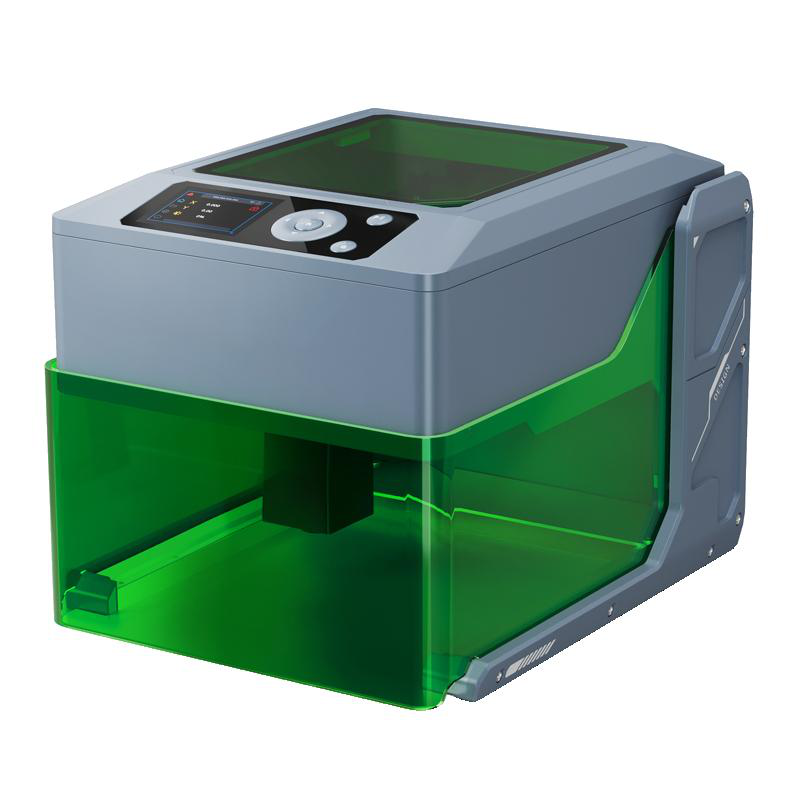
This is why dual-laser machines exist. The WAINLUX F1-10W+1064nm pairs a 455nm 10W head with a 1064nm head in a 10 x 10 cm working area. It engraves wood, acrylic and leather with the 10W head and marks bare metal with the 1064nm head. It also offers WiFi and a built-in control screen, so you can run jobs without a tethered computer.
The WAINLUX X1-20W dual-laser takes the same idea further with a 30 x 30 cm area and 455nm plus 1064nm heads. It supports WiFi, USB-C and TF-card offline working, which matters if your workshop has unreliable network access.
If you only engrave wood and leather, a single 10W head is enough. If your product line includes metal tags, tools, jewelry or branded metal parts, the second 1064nm head is not an upgrade. It is a different capability category.
Comparing 5W, 10W and Dual-Laser Options
The table below compares three machine classes using the facts available for each. Use it to narrow your shortlist, then confirm specific material behavior with the supplier.
| Feature | 5W Blue Diode | 10W Blue Diode | 10W + 1064nm Dual Laser |
|---|---|---|---|
| Wavelength | 455nm | 455nm | 455nm and 1064nm |
| Wood and leather engraving | Yes, slower | Yes, faster | Yes, with 455nm head |
| Coated surface marking | Limited | Yes | Yes |
| Bare metal marking | No | No | Yes, with 1064nm head |
| Light cutting example | 3–5 mm plywood | 3–5 mm plywood, faster | Up to 3–5 mm plywood on 455nm head |
| Typical working area examples | Varies by model | 10 x 10 cm on F1 | 10 x 10 cm on F1, 30 x 30 cm on X1 |
| Control options | Varies by model | WiFi and built-in screen on F1 | WiFi, USB-C, TF-card offline on X1 |
| Best for | Hobby and light craft | Faster engraving and light cutting | Engraving plus bare-metal marking |
Working Area and Control Options: The Real Separators
Once you decide on 10W power, the remaining differences between machines are working area and control. These two factors decide how the machine fits your workshop more than the laser head does.
Working Area
A 10 x 10 cm area handles small items: keychains, jewelry, tags, small logos. It is a one-piece-at-a-time workflow. An 8 x 8 cm area, such as the K8-1064nm, is even smaller and suited to compact marking tasks.
A 30 x 30 cm area, such as the X1-20W, lets you batch multiple small parts or work on larger panels in one setup. If your product mix includes anything larger than a phone, the bigger area saves you from repositioning and alignment errors.
Ask yourself: what is the largest single piece I will engrave in the next year, and how many small pieces do I want to run per batch? That answer usually decides the area you need faster than any power comparison.
Control Options
Control options affect daily usability more than buyers expect. WiFi and a built-in screen mean you can send jobs from a phone or run the machine standalone. USB-C and TF-card offline working mean you are not dependent on a live computer connection. If your workshop is dusty or your PC is shared, offline control is a practical advantage.
Confirm which control methods a machine actually supports before purchase. A machine with a larger working area but no offline option may still slow you down if your computer is tied up elsewhere.
Selection Criteria for a 10W Machine
Use these criteria to compare machines on equal footing:
- Material list: Confirm the machine engraves and cuts the specific materials you sell. Do not rely on a general "wood and leather" claim.
- Wavelength coverage: If you need bare-metal marking, confirm the machine has a 1064nm head. A 455nm head alone will not mark bare metal.
- Working area: Match the bed size to your largest part and your desired batch size.
- Control method: Check for WiFi, built-in screen, USB-C or TF-card offline support based on how your workshop operates.
- Cutting depth: Confirm the documented cutting range for the material thickness you actually use.
- Supplier support: Confirm what documentation, training material and spare parts support is available after delivery.
Where the Ceiling Is Reached
A 10W laser engraver is a capable machine within its class. It engraves wood, leather and coated surfaces well, cuts thin plywood at a usable speed, and with a 1064nm head it marks bare metal. That combination covers a wide range of small-product and craft businesses.
The ceiling is reached when your work moves into thick cutting, clear acrylic, large metal panels or high-volume production that needs faster turnaround than a diode machine can deliver. At that point, the decision is no longer about which 10W machine to buy. It is about moving to a different machine class or adding a second unit.
If you are still within the 10W envelope, the best 10W laser engraver for your shop is the one whose working area, control options and wavelength coverage match your actual material list. Power is only the starting point.
Next Step
To compare a 10W machine against your own materials, contact us with your material samples, typical part size and daily quantity. We can confirm which configuration fits your workflow and provide the relevant machine details.