
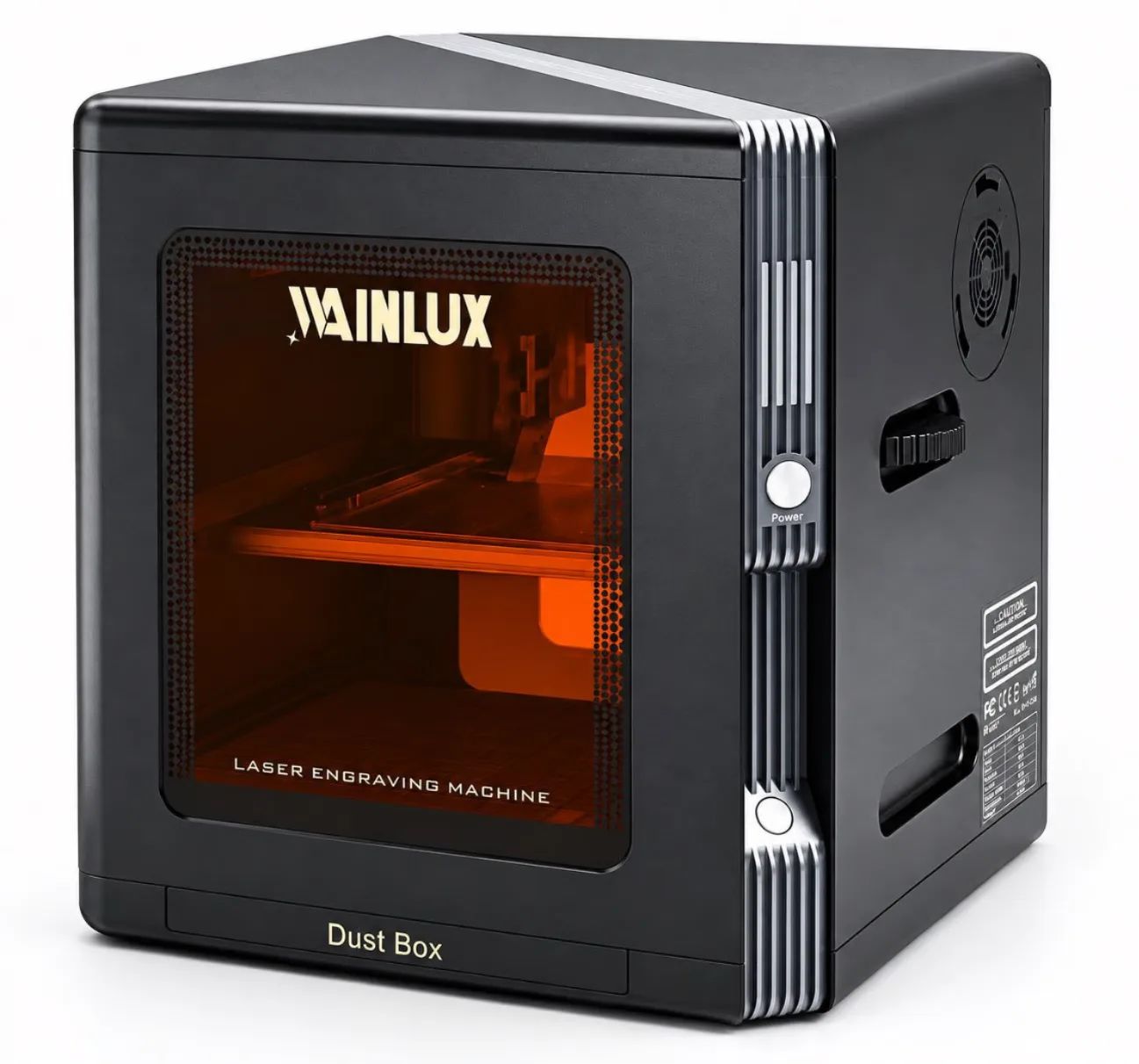
Most buyers compare price first and end up paying twice. This guide lays out the decision order that actually keeps money in your pocket: material and thickness, working area, wavelength, control and connectivity, spares and supplier support, and price last. Includes a line-by-line quote comparison and a negotiation checklist.
Buyer Guide
Nearly every buyer who regrets a laser engraver purchase made the same mistake: they opened with price. The machine that looked cheapest on the quote sheet ended up needing an upgrade, an accessory, or a replacement within the first year. The order in which you make decisions determines what you actually pay.
This is not a price-driver explainer. It is a sequence. Work through the six steps below in order, and by the time you reach price, you will be comparing machines that can genuinely do your job instead of machines that merely cost the same.
Why Price First Fails
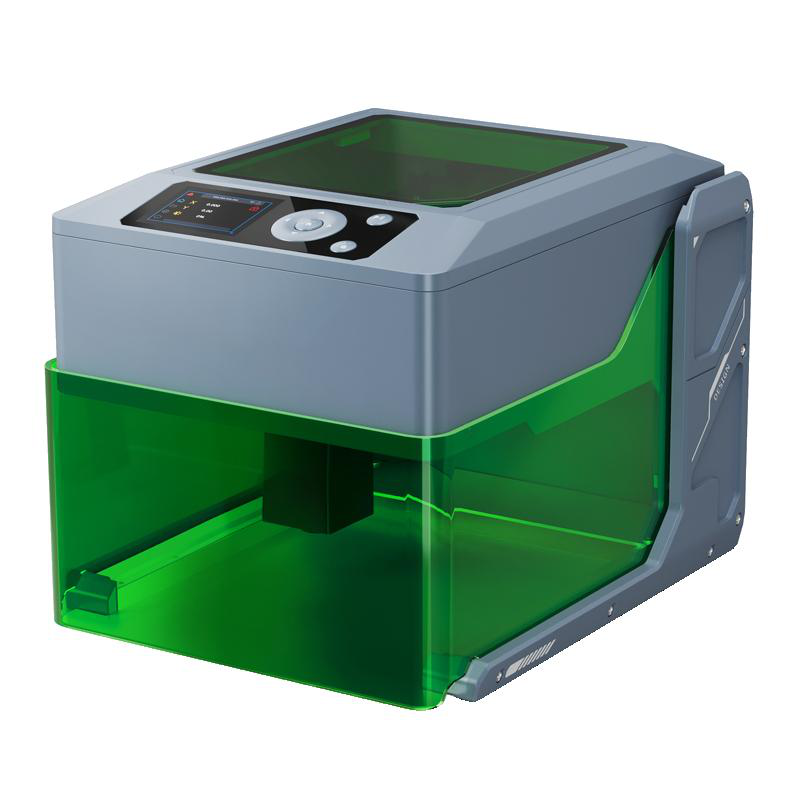
Price is the only variable in a laser engraver purchase that tells you nothing on its own. Two units at the same cost can differ in wavelength, working area, enclosure, connectivity, and what ships in the box. A quote without those details is not a comparable number.
Buyers who start with price tend to buy the smallest machine that fits their first job, then discover the second job does not fit. The cost of that mistake is not the difference between two models; it is the full price of the wrong machine plus whatever it takes to fix the situation.
Start with these two questions instead: what material will you process, and how thick is it? Everything else follows.
Key takeaways
- Material and thickness decide the wavelength; wavelength decides which machines are even eligible.
- Working area should be sized to your largest expected job, not your current one.
- Two quotes at the same price often differ by accessories, samples, and support.
- Price is the last filter, not the first.
The Correct Decision Order
Follow this sequence. Each step narrows the field for the next one, which is what makes the process efficient rather than exhaustive.
- Material and thickness. Identify whether you are marking metal, wood, acrylic, leather, or coated surfaces, and the maximum thickness you will cut or engrave. This single answer eliminates most of the market for you.
- Working area. Measure your largest planned piece, then add margin. A machine with a small bed is not a cheaper version of a large one; it is a different tool.
- Wavelength. Match the laser source to the material. A 455 nm diode source and a 1064 nm source behave differently, and dual-laser machines cover both categories.
- Control and connectivity. Confirm how files reach the machine: USB, WiFi, Bluetooth, offline storage, or a built-in screen. This determines daily workflow, not just the initial setup.
- Spares and supplier support. Ask what ships with the unit, what is replaceable, and how technical questions are handled after delivery.
- Price and terms. Only now compare numbers, and compare them line by line rather than headline to headline.
Step 1 and 2: Material, Thickness, and Working Area
Material determines the laser source. Wood, leather, paper, and many coated surfaces are commonly processed with a diode source in the 455 nm range. Metal marking and certain harder or reflective materials call for a 1064 nm source. If your workload includes both categories, a dual-laser machine removes the need to choose.
Thickness sets the minimum cutting capability. As a reference point from the available product data, the WAINLUX K10-5W diode machine cuts 3-5 mm plywood. If your routine work exceeds that, you are looking at a different class of machine, and no amount of price negotiation will change it.
Working area behaves the same way. The WAINLUX K8 1064 nm machine works over 8 x 8 cm, the F1 10W plus 1064 nm dual head covers 10 x 10 cm, and the X1-20W dual-laser model offers 30 x 30 cm. These are not interchangeable sizes. A buyer producing small metal tags has very different area needs from one engraving signage panels.
Step 3: Wavelength Is the Hard Filter
Wavelength is where inexperienced buyers get separated from the ones who do not file returns. A 455 nm diode source is well suited to organic materials. A 1064 nm source handles metal marking and related tasks. A dual-laser machine such as the WAINLUX X1-20W dual-laser engraving machine, which combines 455 nm and 1064 nm, lets one unit cover both without a second purchase.
Once you fix the wavelength requirement, the candidate list collapses. This is the point at which comparing machines starts to be meaningful, because you are now comparing options that can all do the job.
Positioning precision and engraving depth matter at this stage too. The K8 1064 nm model specifies 0.01 mm positioning precision and 0.1-1 mm engraving depth, with speeds up to 2000 mm/s. Those figures tell you what kind of detail work is realistic, and they belong in your requirements list before you talk to any supplier.
Step 4: Control and Connectivity
A machine that is difficult to feed files to will slow you down every working day. Check three things: how files transfer, what software is required, and whether the machine can run without a computer attached.
The K8 supports USB, WiFi, and Bluetooth, and it runs on Windows control without professional software, which matters if you do not want to buy a separate design package or train staff on an unfamiliar interface. The K10-5W offers WiFi, PC, and offline operation. The X1-20W supports WiFi, USB-C, and TF-card offline work. The F1 10W plus 1064 nm dual head includes WiFi and a built-in screen, so the machine can be operated directly.
If your production floor has unreliable network coverage, offline capability is not a nice-to-have. Add it to your requirements now, while you are still narrowing models.
Step 5: Spares and Supplier Support
Support is the most frequently skipped step and the most expensive to get wrong. Ask what is included in the box, what consumables or spare parts are available, and how technical questions are answered.
The K8 ships with sample blanks, which lets you test the machine on real material before committing to production settings. Optional rotary rollers and air purifiers are available on that model, and both are frequently needed for cylindrical workpieces and enclosed work environments.
On the supplier side, a manufacturer with a track record can answer technical questions faster than a trading intermediary. WAINLUX has been manufacturing since 1998, holds an ISO9001 company-level certificate, offers OEM and ODM services, and exports to 50+ countries. Those facts are about the manufacturing organization and its processes, not a performance guarantee for any individual unit; use them to judge whether the supplier is structured to support you after the sale.
Tip: Ask each supplier to confirm in writing what is included in the quoted price before you ask for a discount. It is easier to negotiate an inclusion than a price reduction, and inclusions are what actually change your total cost.
Step 6: Comparing Quotes That Look Similar
Once you have a shortlist, put the quotes side by side. The table below shows how two quotes at the same headline price can differ substantially.
| Quote line | Supplier A | Supplier B |
|---|---|---|
| Machine model and laser source | Dual-laser 455 nm plus 1064 nm | Dual-laser 455 nm plus 1064 nm |
| Working area | 30 x 30 cm | 30 x 30 cm |
| Sample blanks included | Yes, for material testing | Not listed |
| Rotary roller | Optional add-on | Not offered |
| Air purifier | Optional add-on | Not offered |
| Connectivity | WiFi, USB-C, TF-card offline | WiFi only |
| Software requirement | Runs without professional software | Third-party software required |
| Headline price | Same | Same |
These two quotes are not equivalent. Supplier B leaves you to source a purifier and a rotary attachment elsewhere, with no guarantee they will integrate cleanly, and adds a software cost. If the difference between the two totals is larger than the difference in headline price, which quote is actually cheaper?
Build your own version of this table with every supplier. If a supplier will not fill in a line, treat that line as a risk rather than a blank.
Negotiation Checklist
- Confirm whether sample blanks are included so you can validate settings on your own material.
- Confirm whether the rotary roller and air purifier are included, optional, or unavailable.
- Confirm the exact connectivity options and whether offline operation is supported.
- Confirm which software is required and whether it carries an extra cost.
- Confirm what spare parts are available and how they are ordered.
- Confirm the working area in writing before you agree on price.
Matching Machines to Decision Profiles
A buyer marking small metal components with fine detail is well served by the WAINLUX K8 1064 nm laser engraving machine: a 1064 nm source, 8 x 8 cm working area, 0.01 mm positioning precision, 0.1-1 mm engraving depth, up to 2000 mm/s, and a 4.4 kg body that is easy to reposition. Sample blanks, an optional rotary roller, and an optional air purifier are part of that configuration.
A buyer processing both metal and organic materials across a larger bed should look at the X1-20W dual-laser machine, with its 455 nm and 1064 nm sources and 30 x 30 cm area. A buyer cutting 3-5 mm plywood in an enclosed setup should evaluate the K10-5W, which is fully enclosed and runs on WiFi, PC, or offline. A buyer who wants direct on-machine control should consider the F1 10W plus 1064 nm dual head with its 10 x 10 cm area, WiFi, and built-in screen.
Each profile points to a different machine, and none of those differences appear in a price column.
Frequently Asked Questions
Should I ask for a discount first or clarify inclusions first?
Clarify inclusions. A lower price with missing accessories usually costs more overall than a list price that already includes them.
Do I need a dual-laser machine?
Only if your work spans both metal marking and organic materials. If your workload stays in one category, a single-source machine is the more direct fit.
Is a larger working area always better?
No. Size the bed to your largest realistic job. Extra area you never use is cost without benefit, and it may come with a larger footprint.
How do I evaluate a supplier I have not worked with before?
Ask about manufacturing history, quality management certification at the company level, OEM and ODM capability, and export experience. Then ask for written confirmation of what the quote includes.
Next Step
Write your material, thickness, working area, wavelength, connectivity, and accessory requirements down before you request any pricing. Send that list to your shortlisted suppliers, including WAINLUX, and ask each one to respond line by line. You will get fewer quotes, but the ones you receive will be directly comparable, and the decision will be based on what the machine does rather than what it costs.
Ready to compare properly? Share your material, thickness, and working area requirements with our team. We will confirm the matching model, what ships with it, and which accessories apply to your workload.