
Stop guessing which printer fits your work. This scenario-based guide matches printer type to four real jobs — home documents and school work, office desktop printing, retail labels and shipping, and handheld mobile labeling. It explains why thermal printing cuts running costs for receipts, labels and black-and-white documents, and when a color printer still makes sense.
Most printer advice starts with the machine. That is backwards. Start with what you actually print — a school essay, a customer receipt, a shipping label, a file-folder tab — and the right printer type narrows itself down. This guide walks through four real scenarios, explains where thermal printing cuts running costs, and is honest about when you still need a color printer.
What this guide covers
- Match the printer to the job, not the other way around.
- Thermal printing uses no ink or toner — for black-and-white documents, receipts and labels this lowers running cost.
- Thermal printing is monochrome. For photos or full-color marketing flyers, choose inkjet or color laser.
- Retail label printers and handheld label printers solve different problems: one stays at the counter, one travels to the cable rack.
Scenario 1: Home Documents and School Work
This is the classic family printer question — “what is the best printer for home?” The answer depends on how much you print and whether color matters.
For homework, forms, return labels and the occasional packing slip, a compact A4 thermal printer covers black-and-white output without ink cartridges. The SPRING-A40 A4 Thermal Printer is designed for this: portable, supports multi-width paper at 210/107/77/56 mm, prints at 50 mm/s, and connects over USB plus Bluetooth. That means a phone or laptop can send a document without a cable swap.
If the household prints enough that you want a fixed desktop unit rather than a portable one, the SPRING-M835 A4 Thermal Printer is a desktop document-printing option. Both fit into a home office corner rather than a dedicated print room.
For home labeling — pantry jars, school folders, cables behind the TV — a small 58 mm label printer is more useful than a sheet label. The SPRING-M110 58mm Thermal Label Printer handles 20–50 mm labels at 30 mm/s, runs on a 1200 mAh battery, and connects via USB plus Bluetooth. It is a retail label printer by design, but the size fits counter and home labeling alike.
What to weigh at home:
- Print volume — a few pages a week favors a portable thermal unit; daily printing favors a desktop model.
- Color need — if the children print posters or photos, see the color section below before deciding.
- Connection — Bluetooth matters if the printer will sit far from the router or you print from phones.
- Paper width — confirm the widths you need; the A40 covers 210/107/77/56 mm.
Scenario 2: Office and Business Desktop Printing
An office printer has a different job description: it must survive steady daily output, fit on a desk or shared counter, and not demand constant consumable swaps.
For black-and-white documents — invoices, packing lists, internal forms, delivery notes — a desktop A4 thermal printer removes ink and toner from the equation entirely. The SPRING-M832D, SPRING-P831 and SPRING-M835 are A4 thermal printers positioned for desktop document printing. Confirm with the supplier which model matches your daily volume, since duty ratings are not published here.
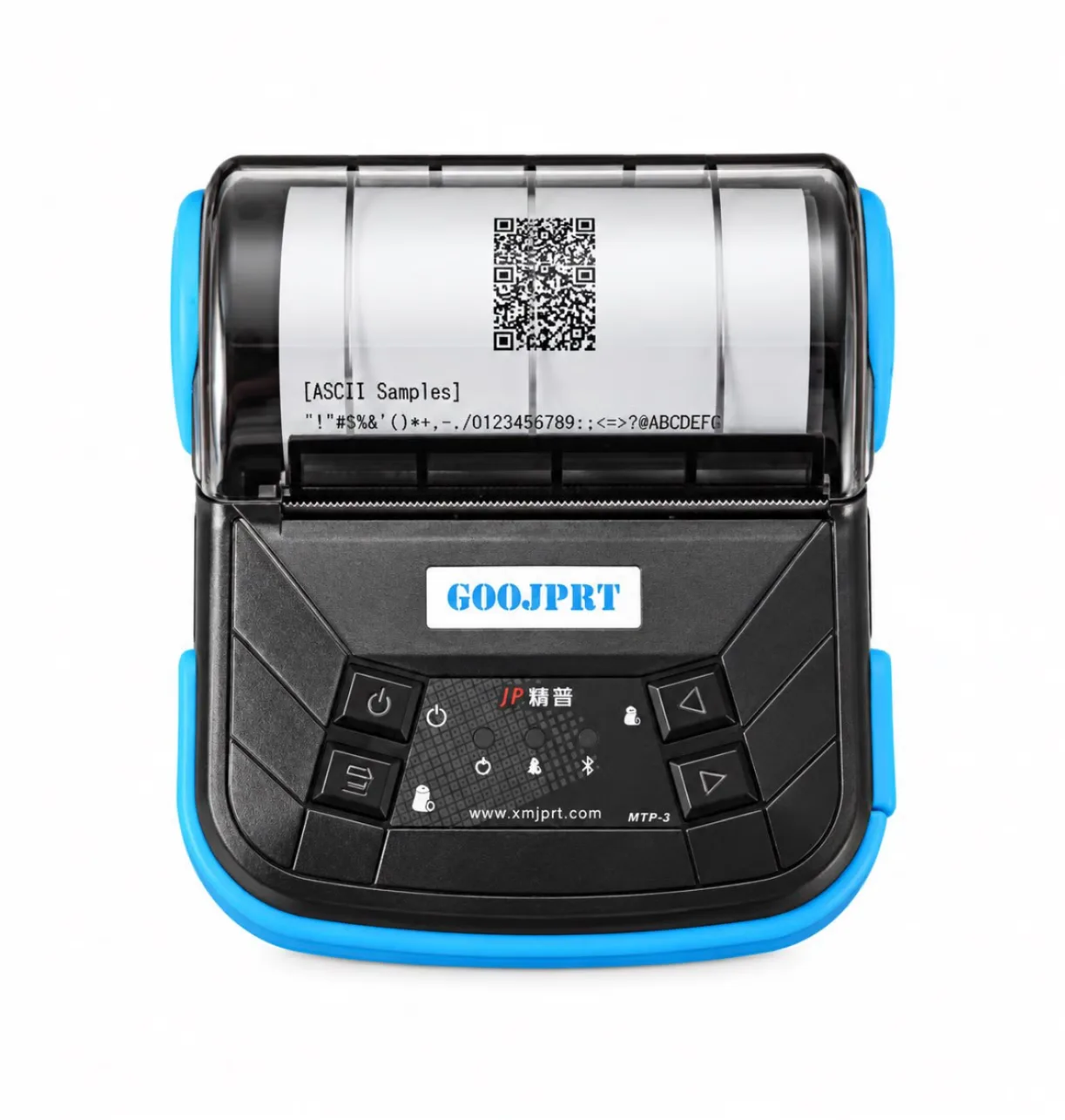
In shops, clinics, salons and small offices, the receipt side matters too. The SPRING-DP30S 80mm Thermal Label Printer and SPRING-M220 80mm Thermal Label Printer are 80 mm units built for receipt-width output. For mobile receipt printing — at a market stall, a delivery handoff, a pop-up counter — the MTP-3B-POS 80mm Portable POS Printer is the portable POS option.
When choosing an office printer, judge these points:
- Format — A4 for documents, 80 mm for receipts and wide labels. They are not interchangeable.
- Placement — a counter unit stays plugged in; a portable POS printer needs battery runtime confirmed with the supplier.
- Integration — check how the printer connects to your POS or document workflow before ordering.
- Consumables — thermal media is the only recurring cost; no cartridge replacement cycle.
Scenario 3: Retail and E-commerce Labels and Shipping
This is where a retail label printer earns its place. Retail and e-commerce operations print two distinct things: shelf or product labels at the counter, and shipping labels at the packing desk.
At the counter, a compact 58 mm unit handles price tags, date labels and small product stickers. The SPRING-P50 58mm Thermal Label Printer and SPRING-M150 58mm Thermal Label Printer are built for this type of work, while the SPRING-A6 58mm is a compact label printing option that can handle receipt and label duty together — useful when counter space is tight.
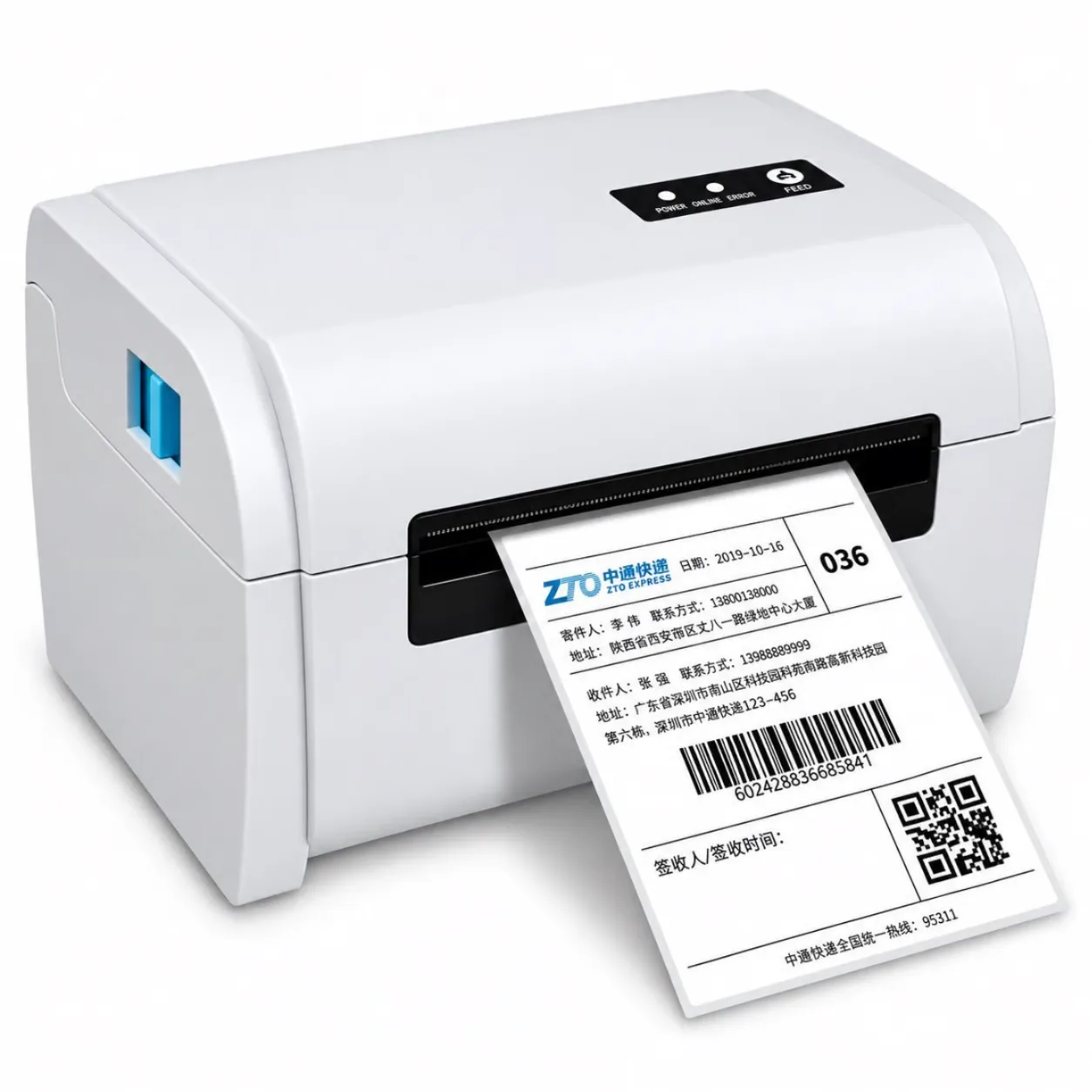
At the packing desk, the format changes to 4×6 shipping labels. The SPRING-9200 4x6 Shipping Label Printer and SPRING-PM241 4x6 Shipping Label Printer are dedicated to e-commerce shipping labels. A 4×6 printer should not be asked to print receipts, and a receipt printer should not be asked to print 4×6 labels.
Before buying for retail, confirm:
- Label size — 20–50 mm for counter labels, 4×6 for shipping. Measure the actual label stock, not the nominal size.
- Daily volume — ask the supplier what the printer is rated for at your pace.
- Software path — how labels are generated from your e-commerce platform or POS.
- Spare parts — printheads and rollers are wear items; ask about availability and warranty terms.
Scenario 4: Handheld and Mobile Labeling
Not every label comes off a desk printer. Cable racks, server rooms, file folders, tool cribs and equipment tags need a handheld label printer — slim, battery-friendly, and small enough to carry to the work.
For 12 mm labeling, the SPRING-P12 12mm Thermal Label Printer and SPRING-E1000 12mm Thermal Label Printer are handheld-style units built for cables and files. The narrow 12 mm format suits wire marking and folder tabs where a wider label would not fit.
When selecting handheld labeling equipment, ask:
- Label width — 12 mm for cables and files; wider formats for equipment tags.
- Portability — how the printer is carried and how long it runs per charge (confirm with the supplier).
- Durability of the label — match adhesive and material to the surface, since a cable label and a shelf label face different conditions.
- Editing on the move — whether labels can be created from a phone over Bluetooth.
Why Thermal Printing Wins on Running Cost
Thermal printers create an image by applying heat to treated paper or label stock. There is no ink cartridge, no toner drum, no color cartridge set. For black-and-white documents, receipts and labels, that removes the most expensive recurring item in printing.
The practical effect is simple: the only consumable you buy repeatedly is the paper or label roll. For a retail counter printing dozens of receipts a day, or a warehouse printing shipping labels through a peak season, that changes the cost picture significantly.
Two caveats belong in the same paragraph as the benefit. First, thermal output is monochrome — it cannot print color. Second, thermal media is a specific consumable; ordinary plain paper is not a substitute for direct thermal label stock. If you need a document that survives years of handling, confirm the media specification with the supplier rather than assuming any paper works.
The Honest Answer About Color Printers
Thermal printing is monochrome. That is a limitation, and it should be stated plainly.
If your work needs true color — photographs, product packaging mockups, marketing flyers, school projects with images — a color printer is the correct choice. Most buyers in that situation choose an inkjet printer for photo-quality output or a color laser printer for higher-volume color documents. Neither of those is a thermal printer, and no thermal model should be presented as a color option.
The decision rule is therefore not “thermal versus color” in the abstract. It is:
| What you print | Printer type that fits | Why |
|---|---|---|
| Photos, color flyers, color presentations | Inkjet or color laser | True color output; thermal cannot print color |
| Black-and-white documents, forms, packing lists | A4 thermal printer | No ink or toner; lower running cost |
| Receipts at a counter or on the move | 80 mm thermal receipt printer | Fast, compact, no cartridge |
| Retail labels and 4×6 shipping labels | Dedicated thermal label printer | Correct media format, no ink cost |
| Cable, file and equipment tags | Handheld thermal label printer | Portable, narrow formats like 12 mm |
Many operations end up with both: a color printer for the few jobs that need it, and one or more thermal printers carrying the daily document, receipt and label load at lower running cost.
What to Check in a Printer Supplier
Once you know which category you need, the next question is who manufactures it. For a thermal barcode printer program, supplier credentials matter more than a single unit’s spec sheet — you are choosing a production partner, not just a device.
Xiamen Spring Technology Co., Ltd. was founded in 1998 in Xiamen and specializes in thermal barcode printer manufacturing with OEM/ODM services. The company operates a 42-person R&D team with more than 10 years of barcode-printer experience and patents, 12 production lines, and an 11,000 m² factory. Its management systems and product compliance include ISO9001, ISO14001, 3C, ROHS and CE.
A practical supplier checklist for this category:
- MOQ fit — sample orders of 1–5 units are workable for evaluation; official orders start at 50 pcs and above.
- Warranty — a 1-year spare-parts warranty is the term to compare against alternatives.
- Model range — whether the supplier covers A4 documents, 58 mm and 80 mm labels, 4×6 shipping and 12 mm handheld formats, so you are not assembling a fleet from unrelated vendors.
- OEM/ODM capability — relevant if you need branding or spec adjustments rather than a catalog unit.
- Documentation — ask which certificates apply to the specific model you are ordering; company-level certification does not automatically cover every product.
Any performance figure not listed on the model page — daily duty cycle, printhead life, battery runtime under load — should be confirmed with the supplier directly rather than assumed from a similar model.
FAQ
What is the best printer for home use?
It depends on what the household prints. For black-and-white homework, forms and documents, a compact A4 thermal printer such as the SPRING-A40 avoids ink cartridges and connects over USB plus Bluetooth. For photos and color school projects, an inkjet or color laser printer is the better fit, because thermal printing is monochrome. Many homes need one of each.
Do you need a color printer?
Only if you print color content — photographs, marketing flyers, color-coded presentations or design mockups. If your output is black-and-white documents, receipts and labels, a color printer adds an ink or toner cost you do not need. Thermal printers handle those jobs without ink or toner.
What is a retail label printer?
A retail label printer is a thermal unit built to print product, price, date or shelf labels at a counter or back office. Typical formats are 58 mm for small labels, with models such as the SPRING-P50, SPRING-M150 and SPRING-A6. For shipping labels, 4×6 printers such as the SPRING-9200 and SPRING-PM241 are the matching format.
How to set up a label printer for shipping labels?
The sequence is: load the correct 4×6 thermal label stock, connect the printer to the computer or platform via the supported interface, install the driver or app, select the label size in the print settings, then run a test label before starting a batch. For a 4×6 shipping printer like the SPRING-9200 or SPRING-PM241, confirm the driver and label size with the supplier if your e-commerce platform has specific requirements.
Next Step
Write down the format you print most — A4 documents, 80 mm receipts, 58 mm labels, 4×6 shipping labels or 12 mm cable tags — and that single answer selects the printer category. If you need an OEM/ODM thermal printer program that covers several of these formats, Xiamen Spring Technology Co., Ltd. can be evaluated against the checklist above, with sample orders of 1–5 units available before committing to a 50 pcs+ production order.