
A practical guide for small business owners who need to match laser cutting capacity to actual order flow. It covers typical material thickness, pieces per day, working area versus batch size, enclosure and cleanup, and when a second machine is a better investment than one larger unit.
Sizing a laser cutter for paid work is not the same as buying the biggest machine your budget can reach. The right machine matches your order book: the materials you actually cut, the thickness that dominates your jobs, how many pieces you finish in a day, and the working area your batches really need. When those numbers fit, the machine pays for itself. When the machine is oversized, you tie up money in capacity you fill twice a month and still struggle with the jobs that arrive daily.
This guide walks through the throughput and order-mix math that small business owners use to choose the best laser cutting machine for small business work. It is written for people who take paid cutting orders, not hobbyists.
Match machine class to your material mix and most common thickness, not to the thickest sample you ever cut.
Estimate pieces per day from cutting time per piece plus handling time, then check that against the machine working area.
An enclosure reduces cleanup and keeps the work area consistent, which matters when you run small batches daily.
Two smaller machines often beat one bigger machine when your orders split across materials or require parallel runs.
Start With the Job, Not the Spec Sheet
The first number to establish is the thickness that appears in most of your paid jobs. A shop that cuts 3-5 mm plywood for signage, model parts, or personalized gifts has a very different requirement from a shop that occasionally cuts a thicker sample. Order books reward repeatability, so the machine should be sized for the thickness you cut weekly, not the one-off that arrives once a quarter.
Material mix matters just as much. Diode-based machines cut and engrave a known set of materials, and dual-head machines add a 1064nm head for work that the 455nm head handles differently. If your order mix is mostly light engraving with occasional cutting, a compact unit with a small working area can be enough. If your mix is mostly cutting with frequent batch runs, the working area and cutting head power become the deciding factors.
Estimate Pieces Per Day Before You Compare Machines
Pieces per day is the most practical capacity number for a small business. It combines cutting time per piece with the handling time around it: loading material, positioning the job, removing finished parts, and cleaning the bed. A machine that cuts quickly but forces slow handling will not lift your daily output much.
Use this numbered method to estimate weekly capacity for a candidate machine:
- Count the pieces in a typical paid order and the material thickness for each piece.
- Group the pieces by material and thickness, because cutting time changes with both.
- Measure or estimate the cutting time for one representative piece in each group.
- Add handling time per piece, including loading, positioning, and removal.
- Multiply pieces per run by the number of runs you can realistically complete in a working day.
- Multiply daily output by your working days per week to get weekly capacity.
- Compare weekly capacity with your current order book and with the growth you expect in the next few months.
The result is a capacity figure you can check against any machine you are considering. If a machine's estimated weekly capacity sits comfortably above your current order book but not absurdly high, it is sized correctly.
Tip: When you compare two machines, compare them on the same representative job. A machine that looks faster on a simple shape may lose its advantage on a job with many small features, where positioning and handling dominate the total time.
Working Area vs Batch Size
Working area decides how many pieces you can run in one pass. Buyers often overestimate this need. If your paid jobs are small parts, a compact working area such as 9.8 x 8.8 cm or 10 x 10 cm can handle a high volume of pieces per day because you can arrange multiple small parts in each run. If your jobs are larger panels or full-sheet layouts, a 30 x 30 cm working area reduces the number of repositioning steps and lets you finish a batch in fewer passes.
The useful question is not "how big is the working area" but "how many of my typical pieces fit in one pass, and how many passes does a full order need." A machine with a smaller working area but faster handling can outperform a larger machine on small-part orders. A machine with a 30 x 30 cm area earns its place when your order book contains larger layouts and batch sizes that would otherwise require several reloads.
Enclosure and Cleanup
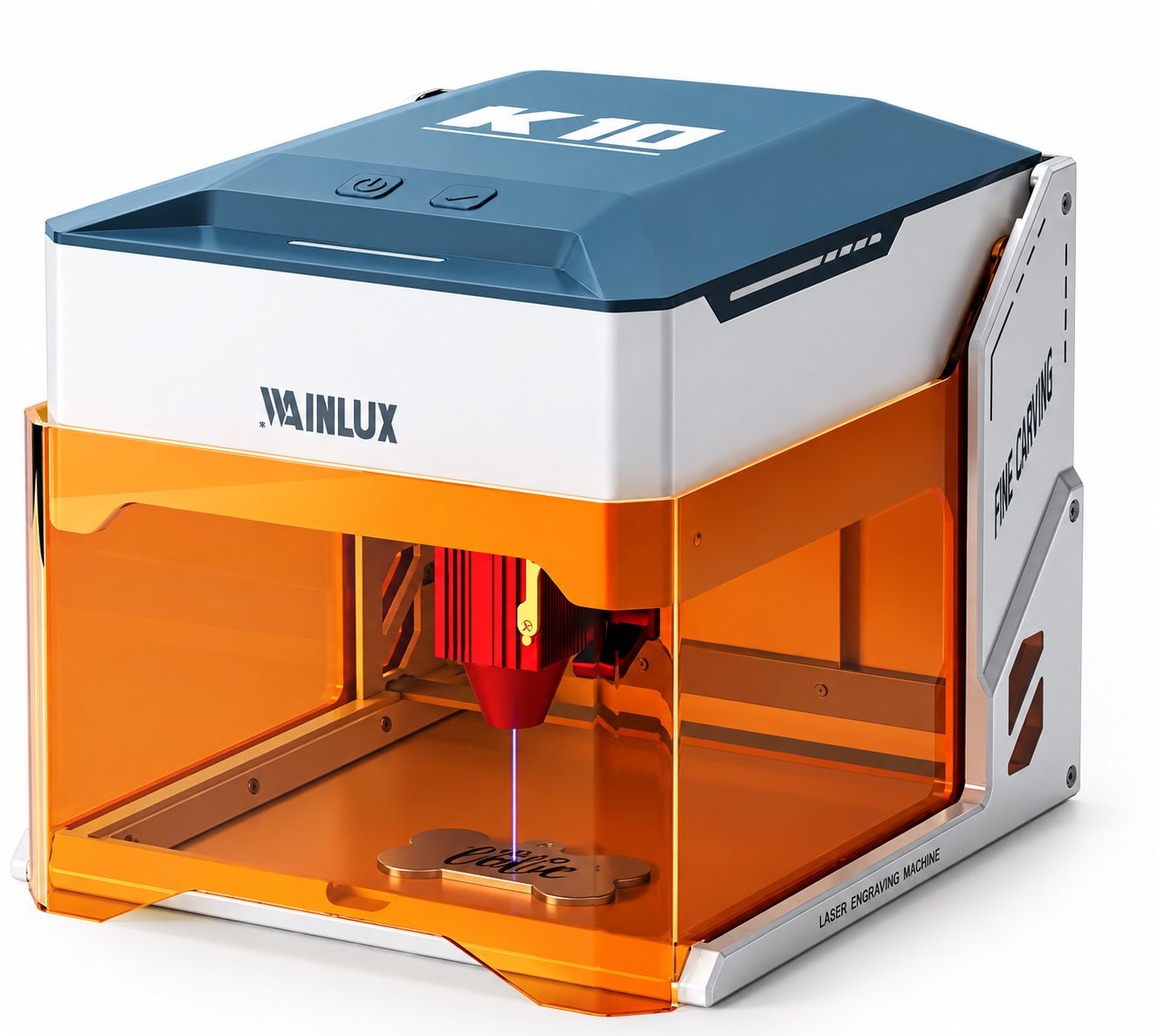
For a business that runs paid orders daily, an enclosure is a practical feature rather than a luxury. A fully enclosed machine with a tinted shield keeps the cutting zone contained, which reduces the amount of dust and debris that settles on surrounding surfaces. Less cleanup means faster changeover between jobs and a more consistent work area.
Cleanup also affects how many batches you can complete in a day. If each job leaves the bed and the surrounding area covered in residue, handling time grows and daily output falls. An enclosed design helps keep the workflow predictable, which is what paid work needs.
Mapping Order Types to Machine Classes
The table below maps common order profiles to machine classes. Use it as a starting point, then confirm the exact specifications with the supplier for your material mix.
| Order profile | Typical material and thickness | Working area to look for | Machine class |
|---|---|---|---|
| Small engraved parts, low volume | Engraving on small items | 9.8 x 8.8 cm | Compact 3W class |
| Daily small-batch cutting and engraving | 3-5 mm plywood and similar light materials | Enclosed compact unit | 5W class with enclosure |
| Mixed-material orders in small runs | Light cutting plus detail work requiring 1064nm | 10 x 10 cm | Dual-head 10W plus 1064nm class |
| Larger layouts and batch production | Light cutting and engraving across bigger parts | 30 x 30 cm | Dual-laser 20W class |
When a Second Machine Beats One Bigger Machine
A single larger machine looks efficient on paper, but it can become a bottleneck in practice. Two smaller machines often serve a small business better when orders split across materials that need different settings, or when jobs need to run in parallel to meet a deadline.
Parallel runs matter when your order mix includes both small engraved parts and larger cut panels. One machine dedicated to detailed work and another set up for larger layouts keeps both job types moving. A single bigger machine can only run one setup at a time, so switching between jobs adds setup time to every changeover.
There is also a risk question: if your only machine is down for maintenance, the whole business stops. A second machine gives you a fallback and lets you keep shipping orders while the other unit is serviced. For a small business that depends on paid cutting work, that redundancy is often worth more than the extra capacity of one larger machine.
Sample Machines and Where They Fit
WAINLUX is a manufacturer founded in 1998 with more than 25 years of manufacturing experience, an ISO9001 company-level certificate, OEM/ODM capability, and exports to more than 50 countries. The following machines show how the sizing logic above maps to real working areas and laser setups.
The WAINLUX K10-5W is a fully enclosed machine with a tinted shield and a 455nm 5W blue diode. It cuts 3-5 mm plywood and suits businesses whose daily order book is built around small-batch cutting and engraving. The enclosure keeps cleanup manageable when jobs change throughout the day.
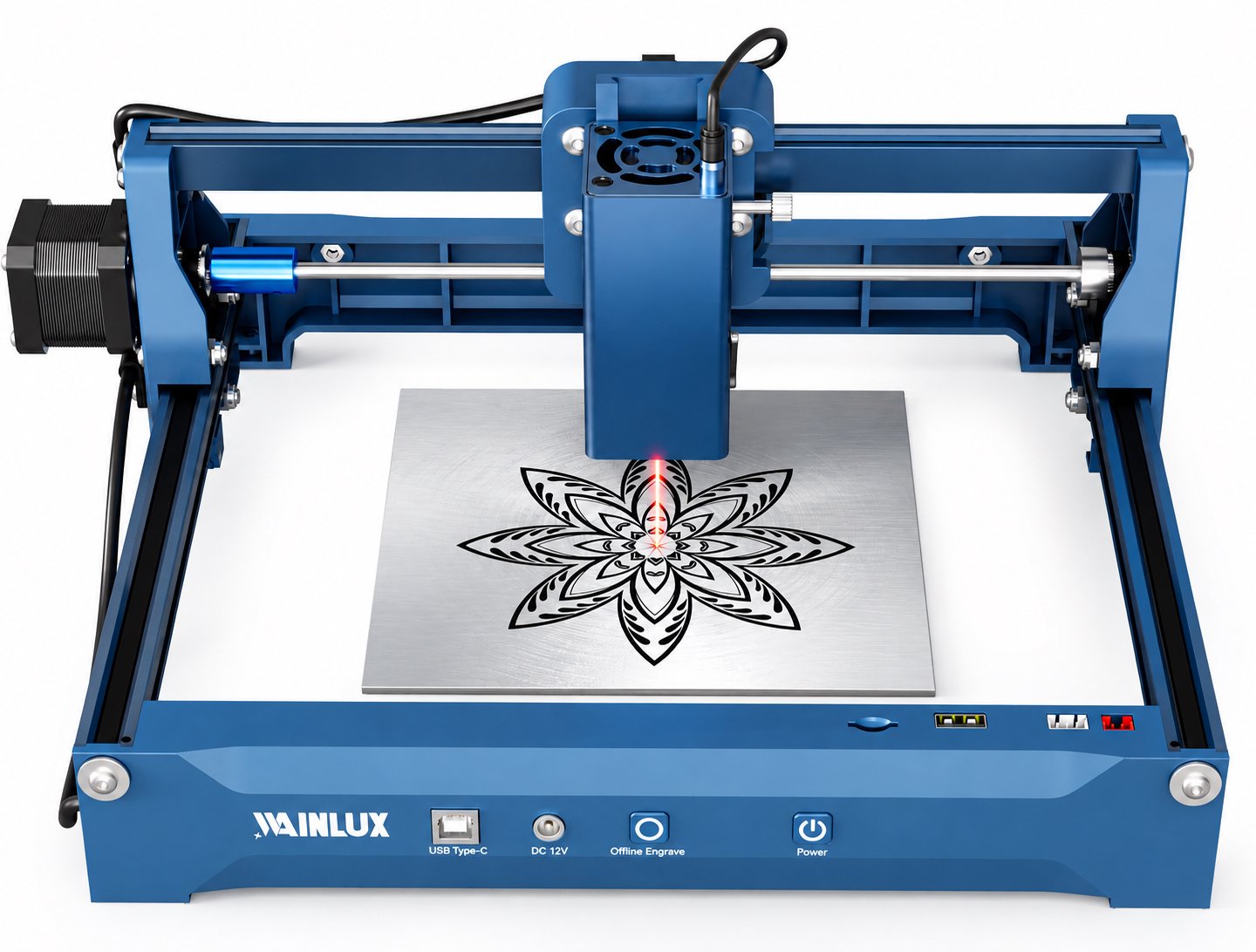
The WAINLUX X1-20W uses dual-laser heads covering a 30 x 30 cm area, combining 455nm and 1064nm for a wider range of work. It supports WiFi, USB-C, and TF-card offline working, which matters when a small shop needs to run jobs without a computer connected. This class fits larger layouts and batch sizes where the working area reduces repositioning.
A third profile is the WAINLUX F1-10W, which pairs a 455nm 10W head with a 1064nm head in a 10 x 10 cm working area, with WiFi and a built-in control screen. It suits mixed-material orders that need both heads in a compact footprint. The XN001-3W covers 9.8 x 8.8 cm and fits very small engraved parts where working area is not the limiting factor.
Putting the Numbers Together
When you have your weekly capacity estimate, your material mix, and your largest typical batch, the machine class usually becomes clear. If your weekly capacity estimate from a compact enclosed unit already covers your current order book with room for growth, buying a larger machine adds cost without adding paid output. If your batch size regularly exceeds what a small working area can hold in one pass, a machine like the X1-20W with its 30 x 30 cm area removes that constraint.
The best laser cutting machine for small business work is the one whose working area, laser setup, and cleanup profile match the orders you actually accept. Size the machine to the order book, then let the order book grow into the machine.
Next Step for Your Shop
If you want help matching a machine to your material mix and weekly capacity, share your typical thickness, pieces per day, and largest batch size. Our team can point you to the right class for your order book.
Send your job details and we will help you size the machine.