
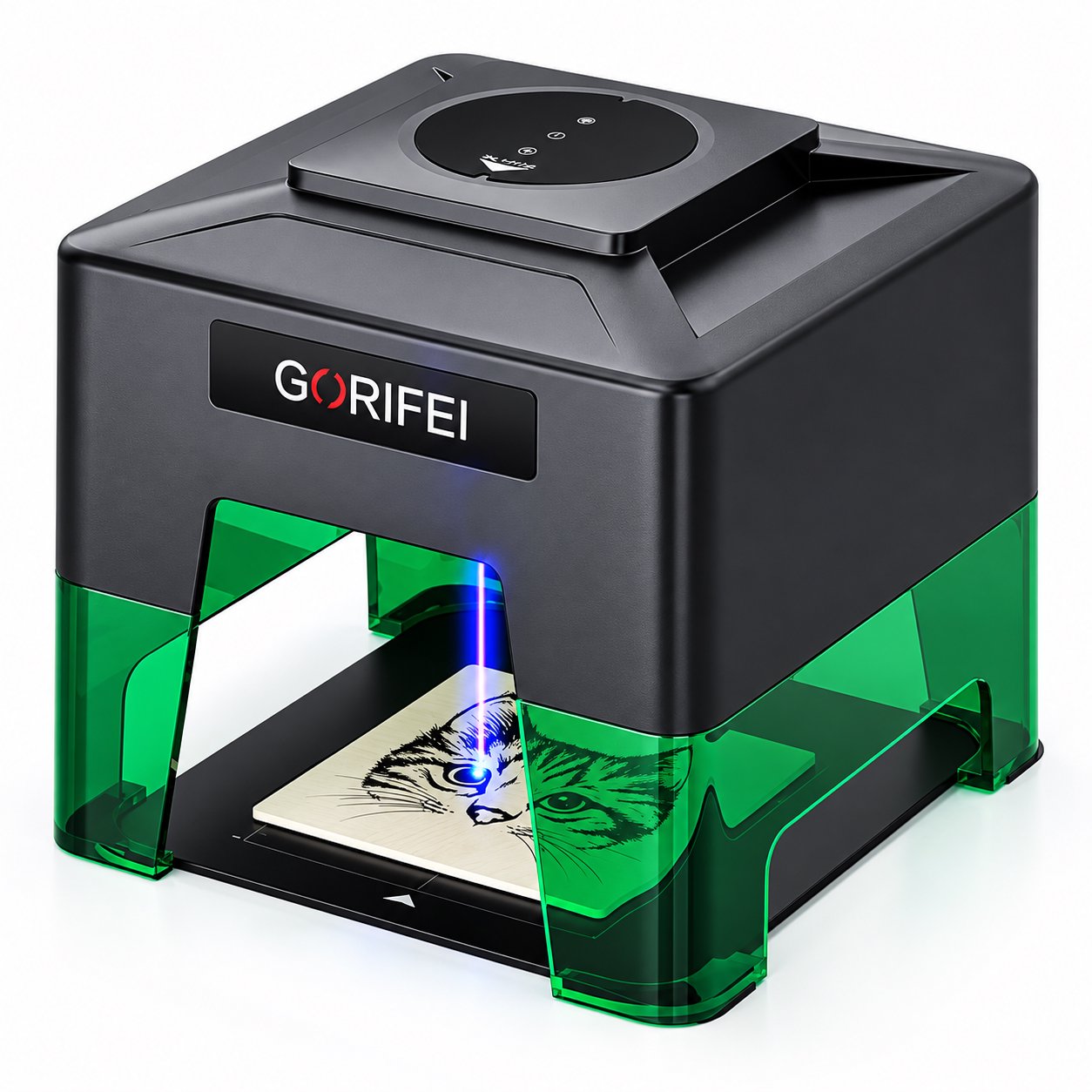
A budget laser engraver repays its price when the cuts are made in the right places. This guide separates safe spec cuts from false savings, gives a minimum-viable spec list by material, provides a red-flag checklist for cheap listings, and includes a pre-purchase spec check for price-sensitive buyers who still need a machine that works.
A Budget Laser Engraver Succeeds When the Cuts Are Smart
A budget laser engraver can be a sound purchase. The failure mode is almost never the low price itself; it is paying for specs you will never use while cutting the support that keeps the machine running. The question is not "how cheap can I go" but "which savings are safe and which come back as a hidden bill."
This guide is written for price-sensitive buyers who still need a working machine. It does not repeat how prices are built. Instead, it gives a spending strategy: what to cut without regret, what to refuse to cut even on a tight budget, a minimum-viable spec list by material, and a red-flag list for screening cheap listings.
- The best savings come from features you will not use: oversized beds, touchscreens, and app ecosystems you already have.
- The worst savings come from missing support: no enclosure, no spare-parts path, and no sample support.
- Before ordering, write down your material, marking area, and connection method, then compare every cheap listing against that list.
Which Spec Cuts Are Safe
A safe cut removes a feature that is not part of your work. You do not notice its absence because nothing in your daily jobs depends on it. Three cuts are usually safe.
Bed size you will not fill
Buyers over-buy work area as insurance. If your parts are small blanks, tags, or coated-metal gifts, a small machine does the job. The WAINLUX XN001-3W is compact and foldable with a 9.8 x 8.8 cm area and runs from USB, Bluetooth app, or an offline button. If your largest blank fits inside that area, paying extra for a wider bed adds nothing to the parts you actually sell.
Screens and app layers you will not use
A color touchscreen is useful when operators share the machine and change jobs many times a day. For a small workshop where one person runs a single job file, an offline button or a PC connection is enough. The XN001-3W can be driven from a Bluetooth app or from an offline button, so a screen-less workflow still runs.
Extra power for materials you do not cut
Power is not a status badge; it matches material. If you mark coated metal, a lower-power marking setup is enough. If you cut 3-5 mm plywood, you need a machine specified for that cut. Buying 10W "just in case" while your real work is marking is a safe cut in reverse: you pay more for capability that stays idle.
Which Savings Are False
False savings look like savings on the invoice and show up later as repair, downtime, or a machine that never suits your material.
No enclosure
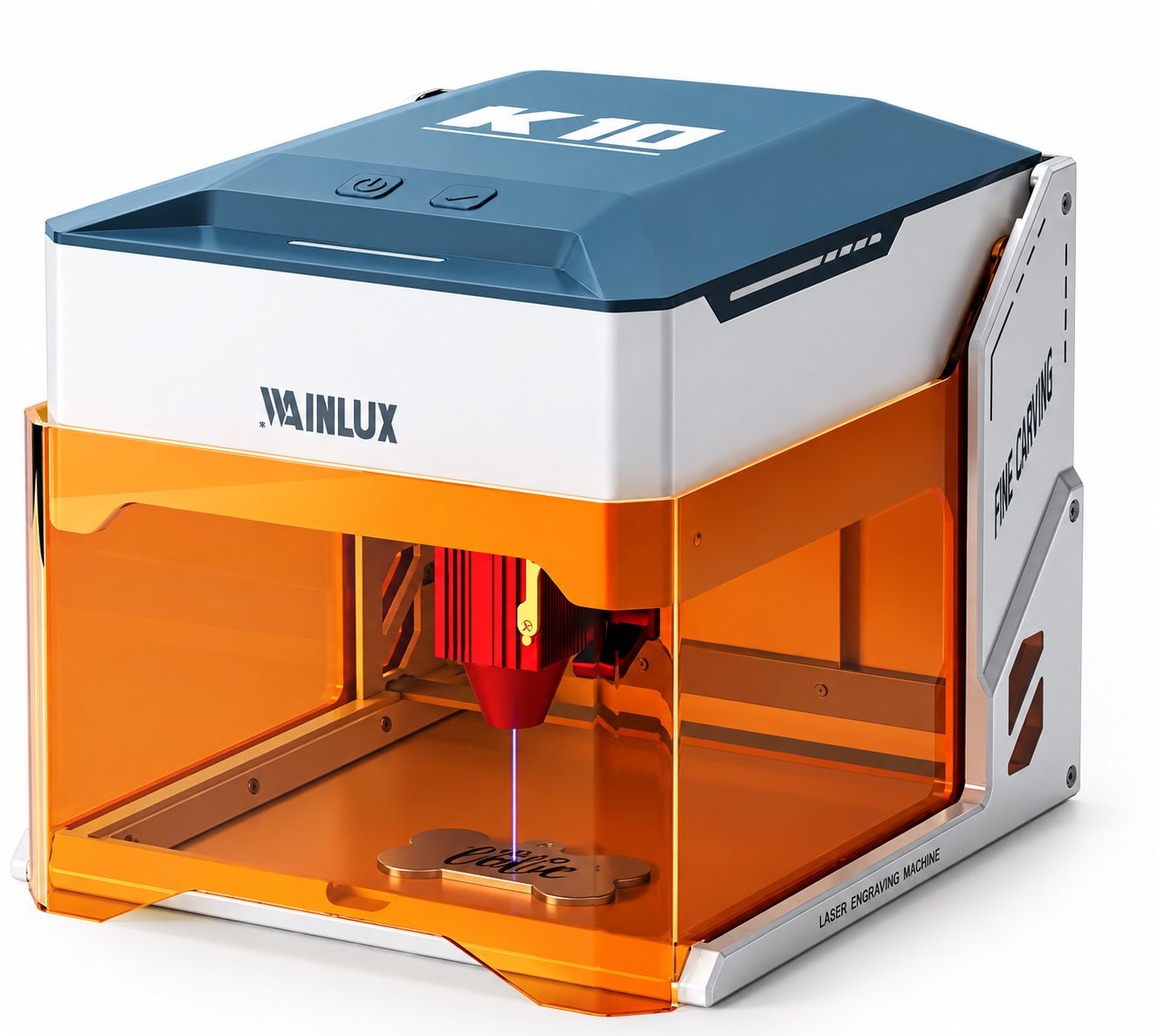
An open frame machine is cheaper. It also puts the laser path in the open air of your workspace. The WAINLUX K10-5W is fully enclosed with 455nm 5W output and cuts 3-5 mm plywood, with WiFi, PC, and offline control. If your shop has other people in it, the enclosure is not a luxury feature; it is part of how the machine is used.
No spare-parts path
A cheap listing with no route to replacement lenses, belts, or drive parts turns one worn part into a dead machine. Before you buy, ask how spare parts are supplied and how long the machine will be supported. A supplier with a real support route is worth more than a lower price with no after-sales channel.
No sample support
Sample blanks let you test focus, marking, and material response before a large order. The WAINLUX K8-1064nm works over an 8 x 8 cm area, weighs 4.4 kg, and ships with sample blanks. Losing that step means you find material problems after you have committed to a batch.
Safe Cuts Versus False Savings
The table below turns the trade-off into a single screen. The left column is money you can keep. The right column is money you should not try to save.
| Decision area | Safe cut (keep the money) | False saving (costs more later) |
|---|---|---|
| Work area | Small bed you will fill (e.g. 9.8 x 8.8 cm or 8 x 8 cm) | No stated work area, or a bed you cannot measure |
| Control interface | Offline button, USB, PC, or phone app you already own | No offline or wired option at all |
| Power and wavelength | Matched to your material (marking vs cutting) | Undisclosed wavelength or head type |
| Enclosure | Open frame only in a closed, controlled space | Open frame in a shared or family space |
| Support | Named spare-parts route and sample blanks available | No spare-parts route and no sample support |
| Power source | Battery-friendly or power-bank operation for field use | Fixed power supply with no replacement route |
Tip: write your three must-have specs first, then open the cheap listing. If the listing forces you to add a fourth requirement you never had, you are buying the listing, not the machine.
Minimum-Viable Spec by Material
Use this as a starting point, then match it to a real machine. Every claim below should be checked against the seller's current specification sheet before you pay.
Coated metal marking
You need a machine specified for coated metal marking. The XN001-3W marks coated metal only, so it fits small marking jobs but is not a metal cutter. For a wider area, the F1-10W+1064nm dual head offers a 10 x 10 cm work area and combines a 10W head with 1064nm capability.
Thin wood and plywood cutting
Cutting demands specified power and a defined cut thickness. The K10-5W cuts 3-5 mm plywood at 455nm 5W, with WiFi, PC, and offline control and a fully enclosed body.
Small blanks and field marking
For small blanks, the K8-1064nm works over an 8 x 8 cm area, weighs 4.4 kg, and ships with sample blanks. The XN001-3W adds a power-bank-compatible option for work away from a desk.
Minimum-Viable Spec Check
Run this numbered check against every cheap listing you shortlist. It takes a few minutes and replaces guesswork with a yes or no.
- Confirm the work area in centimeters and measure your largest blank against it. A bed you will not fill is a safe cut; a bed that cannot fit your part is a deal breaker.
- Confirm the wavelength and head type for your material. Coated metal marking, wood cutting, and general marking are different jobs.
- Confirm the control path you will actually use: offline button, USB, Bluetooth app, PC, or WiFi. Pick two so a single failure does not stop work.
- Confirm the enclosure situation for your workspace. If other people share the room, an enclosed machine such as the K10-5W belongs on the shortlist.
- Confirm the spare-parts and support route in writing. No parts path means the cheapest part failure ends the machine's life.
- Confirm whether sample blanks are included so you can test material response before a batch.
- Confirm power needs, including whether the machine can run from a power bank for field use.
Red Flags When Comparing Cheap Listings
These signals do not prove a listing is bad. They do mean you should stop and verify before paying.
- No stated work area in centimeters, only "large" or "big."
- No stated wavelength or head type, or a wavelength that does not match the claimed material.
- No enclosure statement for a machine marketed for home or shared-space use.
- No spare-parts route and no named support channel after the sale.
- No sample support, so you cannot test before committing.
- Ambiguous power-bank or offline claims that disappear when you read the manual.
- A price that only works if you accept a material list the machine cannot actually handle.
Where a Reputable Budget Supplier Fits
The same screening applies to the supplier, not only the machine. WAINLUX was founded in 1998 and has more than 25 years of manufacturing experience, with an ISO9001 company-level certificate, OEM/ODM support, and exports to more than 50 countries. Those facts matter because they answer the spare-parts and sample-support questions above: a supplier with a manufacturing base and an export record can supply parts and handle OEM/ODM requests in a way that an unknown listing cannot.
For buyers comparing models, the WAINLUX XN001-3W laser engraving machine suits compact marking jobs, and the WAINLUX K10-5W laser engraving machine suits enclosed cutting jobs. Both are budget entries in their categories, and both keep the support path that cheap listings often remove.
Frequently Asked Questions
Is a budget laser engraver only for hobby use?
No. A budget machine with a defined work area and a matched wavelength can handle small production runs of blanks, tags, and coated-metal items. The limit is the spec, not the price.
Can I cut metal with a budget machine?
Check the material claim. The XN001-3W marks coated metal only, which is not the same as cutting metal. Do not buy on the assumption that marking and cutting are interchangeable.
What is the cheapest safe upgrade?
An enclosure when people share the workspace, and a spare-parts path in every case. Both protect the machine after the invoice is paid.
Before You Buy
Write your material, your largest part size, and your control method on one line. Then check each cheap listing against that line, using the numbered spec check above. If a listing cannot answer the spare-parts and sample-support questions, treat it as a false saving and move on.
If you want the current specifications, spare-parts details, or sample-blank options for the XN001-3W or K10-5W, send us your material and part size and we will reply with the matching model and terms.