
Most buyers start with machine specs and then find out the bench does not fit. This buyer-focused guide works in the opposite direction: measure the real table, subtract clearance and ventilation space, and only then choose a tabletop laser cutter. It compares three tabletop formats by footprint, bed size and sheet handling, covers weight and vibration, explains how to route exhaust on a table, and lists which materials genuinely suit tabletop formats. Includes a numbered measuring procedure and a comparison table.
Buyers usually approach a tabletop laser cutter the same way: they collect machine specs first, then try to find a spot for whatever arrives. That order is backwards. The constraint is almost never the laser head or the wattage. It is the table. The bench depth, the wall behind it, the window you can open, and how far you are willing to carry a 3 mm plywood sheet determine what you can actually run.
This guide works from the bench outward. Measure the table, subtract the clearance and ventilation space, and then compare tabletop formats by footprint, bed size and the largest sheet you can feed. If your constraint is duty cycle or daily run time rather than layout, that is a separate decision.
- Machine footprint is smaller than working footprint. Plan for clearance on the feed and exhaust sides.
- Bed size caps the largest single piece; feed-through capability caps the longest workpiece.
- Weight and vibration matter on lightweight benches and shared desks.
- Exhaust routing is the most common reason a table setup is relocated after installation.
Start with the real table, not the machine listing
A product listing states the machine envelope. What you need is the working envelope: machine envelope plus reach. You need room to load a sheet, room to lift an enclosure lid or slide a workpiece in, and room behind the machine for a duct or filter. A cutter that fits on the bench but leaves no floor space for a duct will not stay there.
Measure in this order and write the numbers down; guessing from memory is how buyers end up returning a machine.
- Measure bench length, depth and the free height from the bench top to any shelf or cabinet above.
- Note what already occupies the bench. Dedicate a section to the laser rather than assuming you can clear everything.
- Mark the nearest power outlet and its distance from the bench.
- Identify a window, exterior wall, or the exact route an exhaust duct can take from bench height to outside.
- Check the floor under the bench: is it level, and does the bench wobble when you press on it?
- Decide whether the machine must be movable, and if so, who will lift it.
- Confirm what materials and maximum sheet size you expect to run. This becomes your bed size requirement.
- Compare candidate formats against your measured numbers, not against the largest machine you can afford.
Tip: add 10 to 15 cm of clearance on every side where you need to load material, open a lid, or connect a duct. A machine that touches the wall on the exhaust side is a machine you will have to move later.
Machine footprint versus working footprint
Footprint is the base the machine occupies. Working footprint adds the space you need to operate it. Feed direction is the part buyers miss. If you load sheets from the front, that side needs clear access; if you slide long stock through an open frame, both the entry and exit sides need clearance and a clear line past the machine.
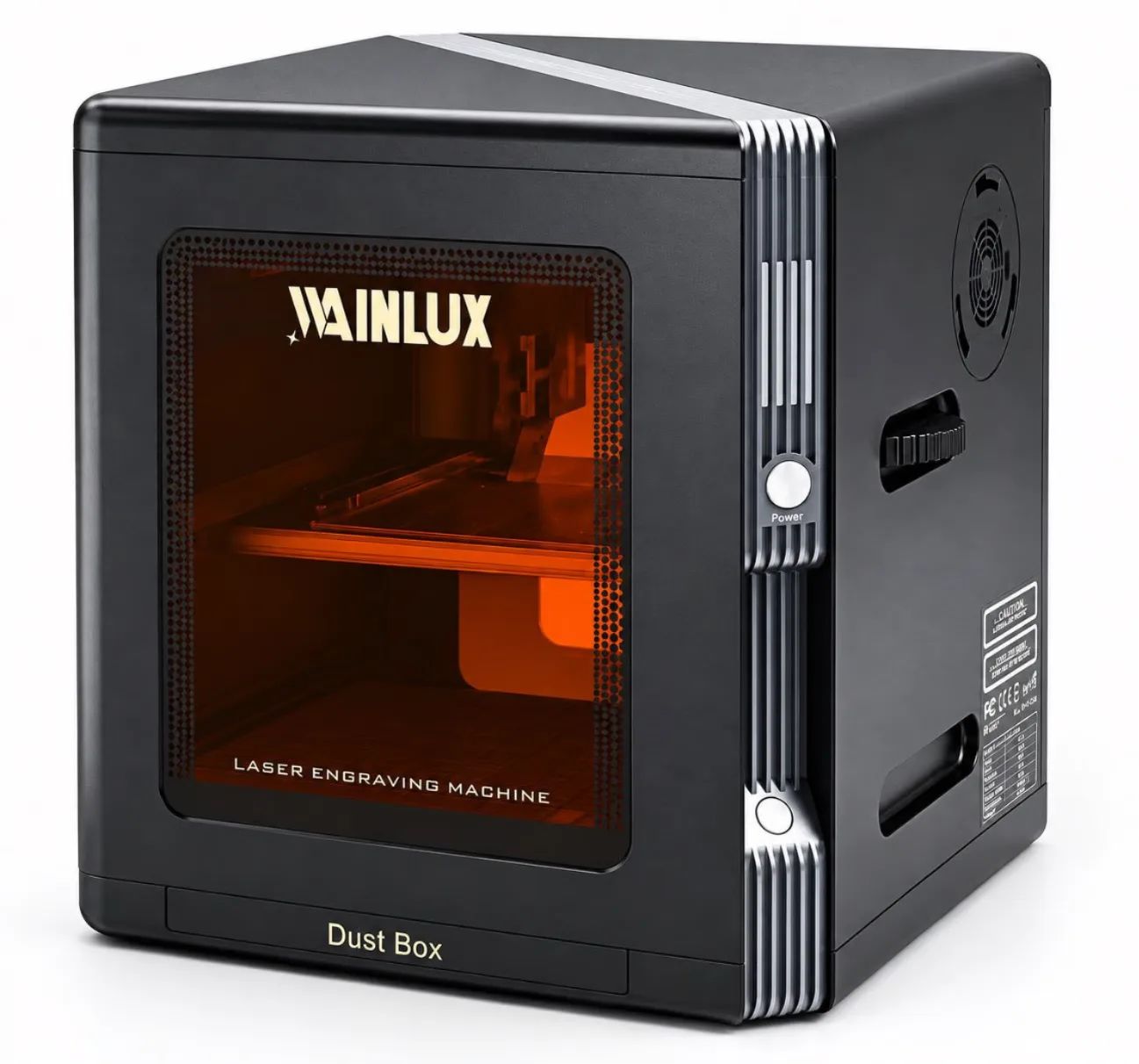
Weight sits on the same question. A compact enclosed unit such as the K8-1064nm measures 190 x 286 x 313 mm at 4.4 kg, which is light enough for a sturdy desk or a shared workbench. Heavier open-frame formats concentrate more load on a smaller area, and thin folding tables or glass-topped desks are not suitable support surfaces regardless of the listed weight.
Vibration on a table setup
Tabletop formats sit on furniture, and furniture moves. A bench that rocks when you press it will show up in engraved detail, especially on fine line work and on taller workpieces. Practical checks: press down firmly on each corner of the bench and watch for rocking; avoid lightweight folding tables; and keep the machine off the same surface as a running compressor or a 3D printer. If a bench is stable under hand pressure and does not transmit movement from adjacent equipment, it is usually adequate as a base.
Bed size sets the largest sheet you can feed
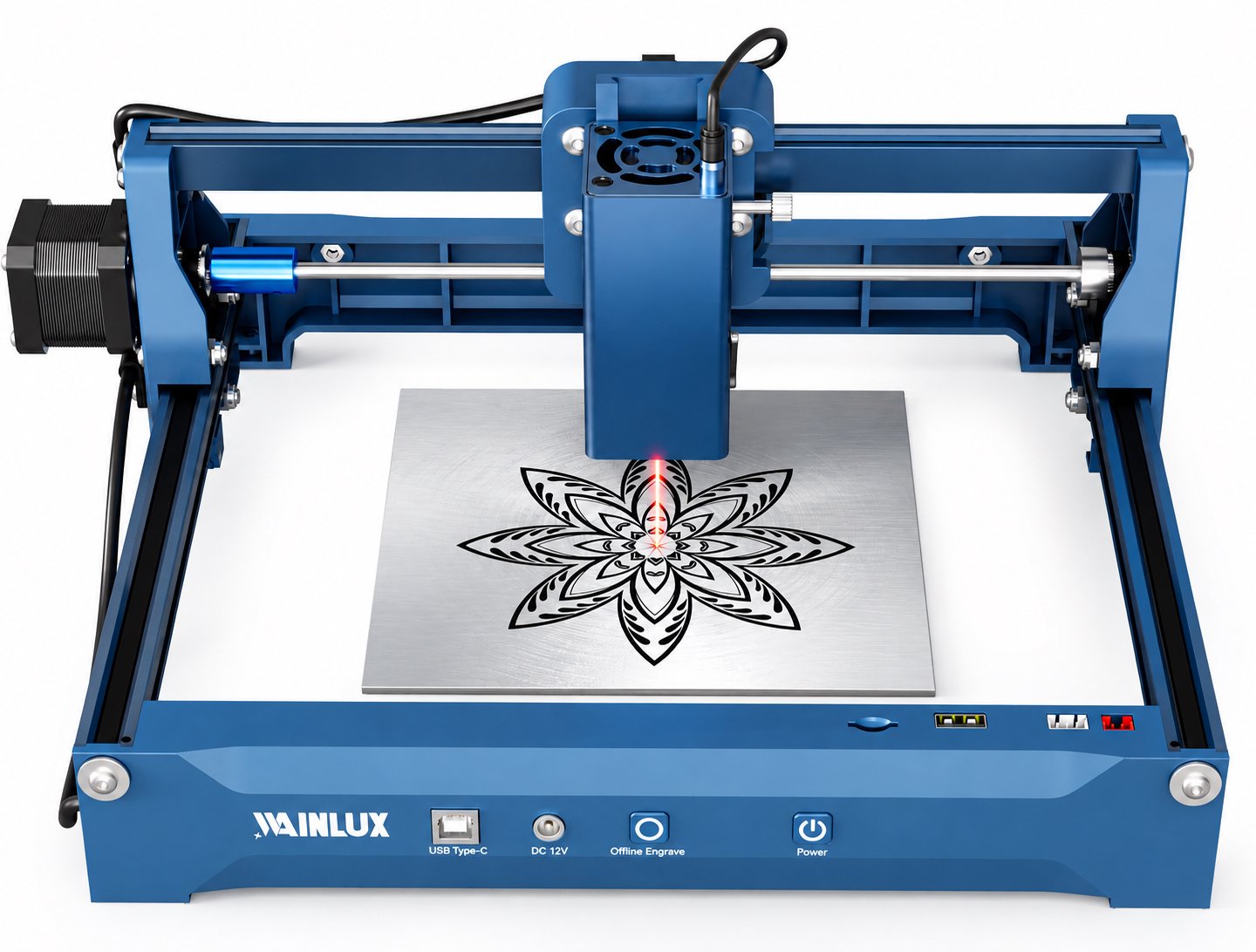
Bed size is the decisive number for material planning. Two formats illustrate the trade-off. A dual-laser machine such as the WAINLUX X1-20W dual-laser engraving machine covers a 30 x 30 cm area with both a 455nm head and a 1064nm head, and connects by WiFi, USB-C, or TF card for offline jobs. A smaller format such as the F1-10W pairs a 455nm 10W head with a 1064nm head in a 10 x 10 cm area.
That difference is not just scale. A 10 x 10 cm bed is a marking area: it suits small tags, compact blanks and repeated small parts, but any sheet wider than the bed must be cut down first or processed in multiple passes with careful repositioning. A 30 x 30 cm bed accepts a wider range of flat stock before you have to reduce it. Neither format feeds a full sheet of plywood through in one pass; both cap the single-piece size at the bed.
Check two numbers before ordering: the bed size, and the maximum material thickness the machine is specified to cut. For enclosed 455nm formats, cutting capability of 3-5 mm plywood is a useful benchmark for hobby and light production work. Thicker or denser stock pushes you toward a different class of machine, not a larger table.
| Format | Base dimensions | Bed size | Typical materials | Table implications |
|---|---|---|---|---|
| Compact enclosed 455nm, 5W | Small desk footprint | Small-format working area | 3-5 mm plywood, thin wood, leather, dark acrylic, coated board | Fits a shared desk; enclosure helps contain the work area; exhaust still required |
| 10W 455nm plus 1064nm | Compact open or semi-open | 10 x 10 cm area | Small blanks, tags, thin wood, metal marking | Very light; marking-scale work only; heavy stock must be pre-cut |
| Dual-laser 20W with 455nm and 1064nm heads | Larger tabletop base | 30 x 30 cm area | Larger flat stock, wood, leather, acrylic, metal marking | Needs a genuinely sized bench and clear rear access for ducting |
The table compares physical formats, not performance rankings. Confirm the exact bed size, cut thickness and ventilation requirements for the specific model you intend to buy.
Ventilation routing on a table
Exhaust is where table plans fail. Materials such as leather, coated board and many plastics produce fumes and particulates that must leave the room. A duct run needs to reach outside, and gravity works against you if the route goes up and then horizontally for several meters.
Three routing patterns cover most table setups:
- Direct wall or window exit. Shortest run, fewest bends. Place the bench so the machine exhaust port faces the exit.
- Inline fan plus short duct. Use when the run is longer than a meter or has bends. The fan adds components and a power lead at bench level.
- Filter unit under or beside the bench. Avoids a permanent exterior duct but occupies floor or bench space and requires filter replacement.
Whatever the route, leave the exhaust side clear. If the rear of the machine sits 3 cm from a wall, you cannot connect a duct properly. Plan 10 to 15 cm behind the machine at minimum, and more if the duct has to turn immediately.
Power and cables on the same surface
Table setups also collect cables. A dual-laser format with WiFi, USB-C and TF offline support reduces the number of cables that must stay connected during a job, which matters when the bench is also used for other work. Where a machine is fully enclosed, as with the WAINLUX K10-5W laser engraving machine, the work area is contained and the cable routing is simpler because the unit is a single closed box on the bench.
Which materials make sense on tabletop formats
Tabletop formats are sized for flat stock processed in pieces. Common materials include wood, plywood, leather, paper, cardboard, some acrylics and metal surfaces. The practical limits are thickness and flatness.
- Thin wood and plywood. The clearest fit. Enclosed 455nm formats specified to cut 3-5 mm plywood match small sign, model and craft work.
- Leather and textiles. Cut and engrave well, but produce odor and particulates; ventilation is not optional.
- Metal surfaces. Coated metal is generally engraved rather than cut and can be marked by the 455nm head; bare metal requires the 1064nm head on machines that include it. Confirm the specific material and coating before ordering.
- Acrylic and plastics. Some cut cleanly, others melt, discolor or produce fumes. Test scrap first.
Materials to avoid on a tabletop machine are those that will not lie flat, that exceed the bed in one dimension, or that release fumes the room cannot clear. Warped boards and thick stock are better handled on a machine with a different bed design, not forced through a tabletop unit.
A short checklist before you order
- Bench length, depth and available height above the bench.
- Clearance on the feed side and at least 10-15 cm on the exhaust side.
- Duct route from bench height to outside, or space for a filter unit.
- Bed size against your largest intended single piece.
- Weight against the load your bench and floor will take without movement.
- Power outlet within reach, with room for the plug and adapter.
- Whether the machine must be movable and by whom.
Sizing a tabletop laser cutter is a measurement exercise before it is a specification decision. If you send the bench dimensions, sheet sizes and ventilation route you have, the right format for that space becomes a short conversation.
Send your table measurements and material list through the product page for the model you are considering, or reply with your requirements and we will confirm which format fits.